Tickets System Guide
How it goes
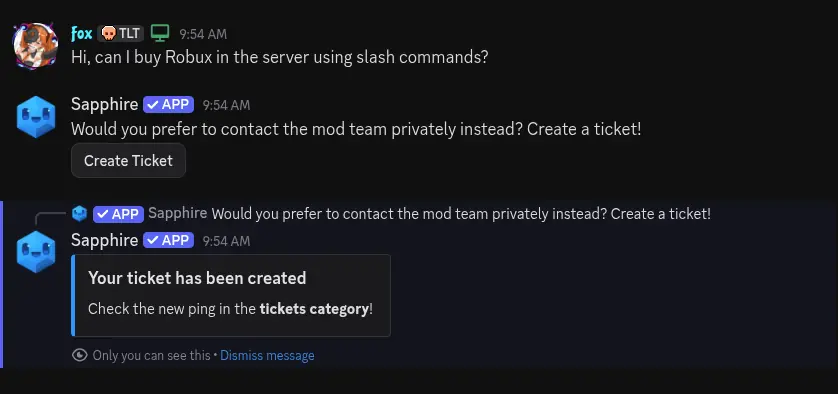
Members will go to the server-help channel to ask server-related questions and choose creating a ticket in case the query is private and/or complex enough. There is a sticky message from Sapphire. server-help is multi-use now as it covers both server questions and ticket creation. Sapphire also tells the user that the ticket has been created, and will ask them to check the pings in the tickets category.
A ticket will be created in the tickets category, with a ping for the user who created it.
The user (or you) can now start explaining the reason and topic for the ticket, or close it with a button.
IF YOU WANT NOTIFICATIONS FOR NEW TICKETS, ENABLE THEM FOR THE CATEGORY. Mods have to choose whether they want to attend tickets or not, without dealing with a red notification for announcements + mod pings + every single ticket, (even closed/deleted tickets)
/rename
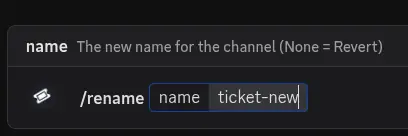
You can rename the ticket using this command, it will be useful as they always get created following the format "ticket-number". A recommendation would be to use the name of the user followed by the "keyboard" of the issue
- toby-user-report
- elfie-ai-scam
These are examples. Also, you don't have to do this if the ticket is too easy/quick to handle requiring a single response. Rename tickets to keep track at a glance
/add user
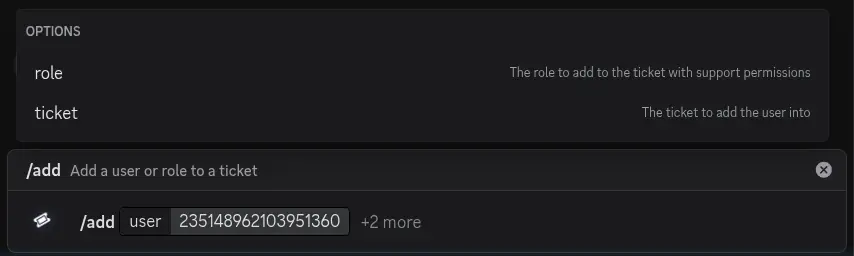
There might be times the conversation is wide enough requiring to add a different subject to the conversation so they can participate. Do it by pinging/selecting their account, or simply using their ID (this one always works).
/remove user
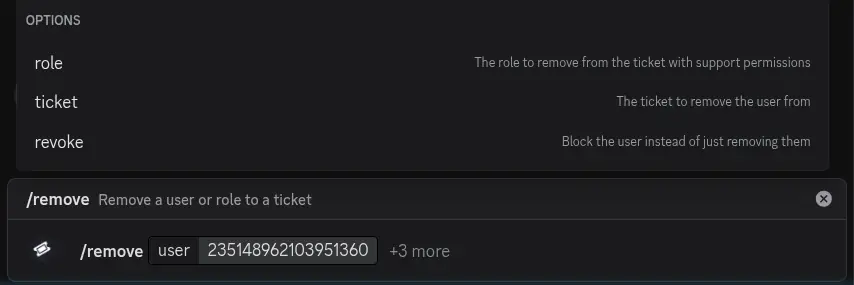
To remove a user from the conversation, use the remove command, it follows the same format as the add command.
Close
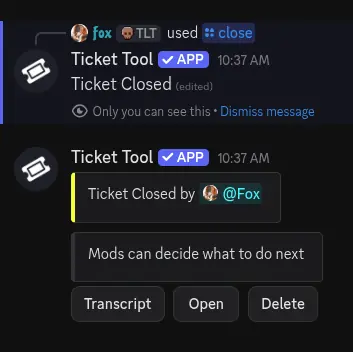
Once the issue has been solved and there are no more doubts, the mod can close the ticket using the initial message or the slash command, in case the conversation became too long
The ticket can also be re-opened if needed.
Mods and ticket owners can both do these actions if they want.
Transcript
Once the issue is solved for good, you can click on transcript.
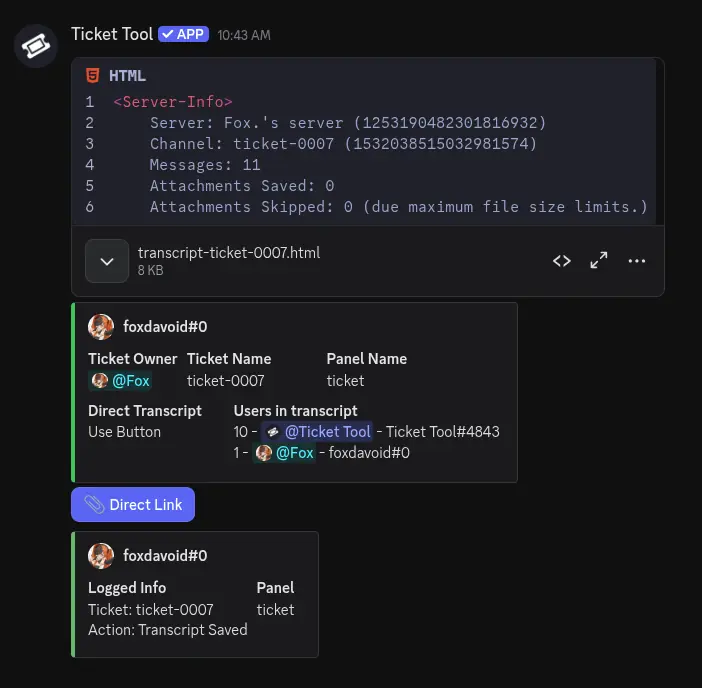
This will generate a new message inside the ticket-logz channel. Don't mind the big chunk of text.

Clicking on Direct Link will create a new button "transcript-ticket-number.html"
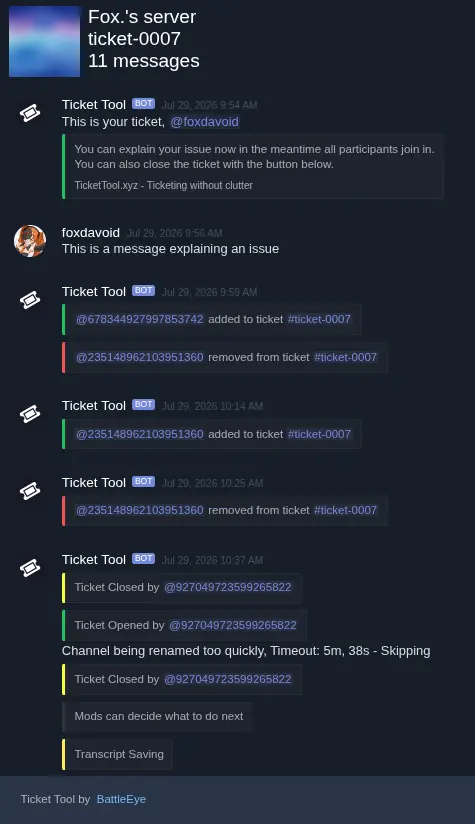
This button leads you to a web version of the ticket and all what happened there.
Once this is done, the ticket is pretty much no longer needed and can be deleted. You'll see a message seconds before the ticket turns into ashes.
You don't have to delete the tickets if you don't want, personally I don't mind at all.
Quick Workflow
Get a notification for a new ticket created (you have to enable this yourself. Mods have to choose whether they are attending tickets or not)
Add more users only if the ticket involves more than one person. Before doing it, ask the user if they're okay with it (their response to this could also add more information to the case)
Rename the ticket once it gets a bit complex or needs to be followed up
Close it once finished
Transcript so that it can be visited later
Delete (optional?)
Communicating with members
You probably want to soft-DM a user in a way the rest of the mod team can also know or have some kind of access to that conversation. Just create a ticket yourself and add the subject(s), explain the issue or reason for the ticket to be created, wait for a response (or not, totally depending on the case), and close it before transcription. Renaming the ticket can also help to follow it up.